

Trink SaatBeta
Turn Your Watch into Cash,Get Offers from Stores
Get purchase offers for your authentic watch from approved stores. Watchlabb runs the process, from collecting offers and inspecting the watch to transferring your payment to your account.
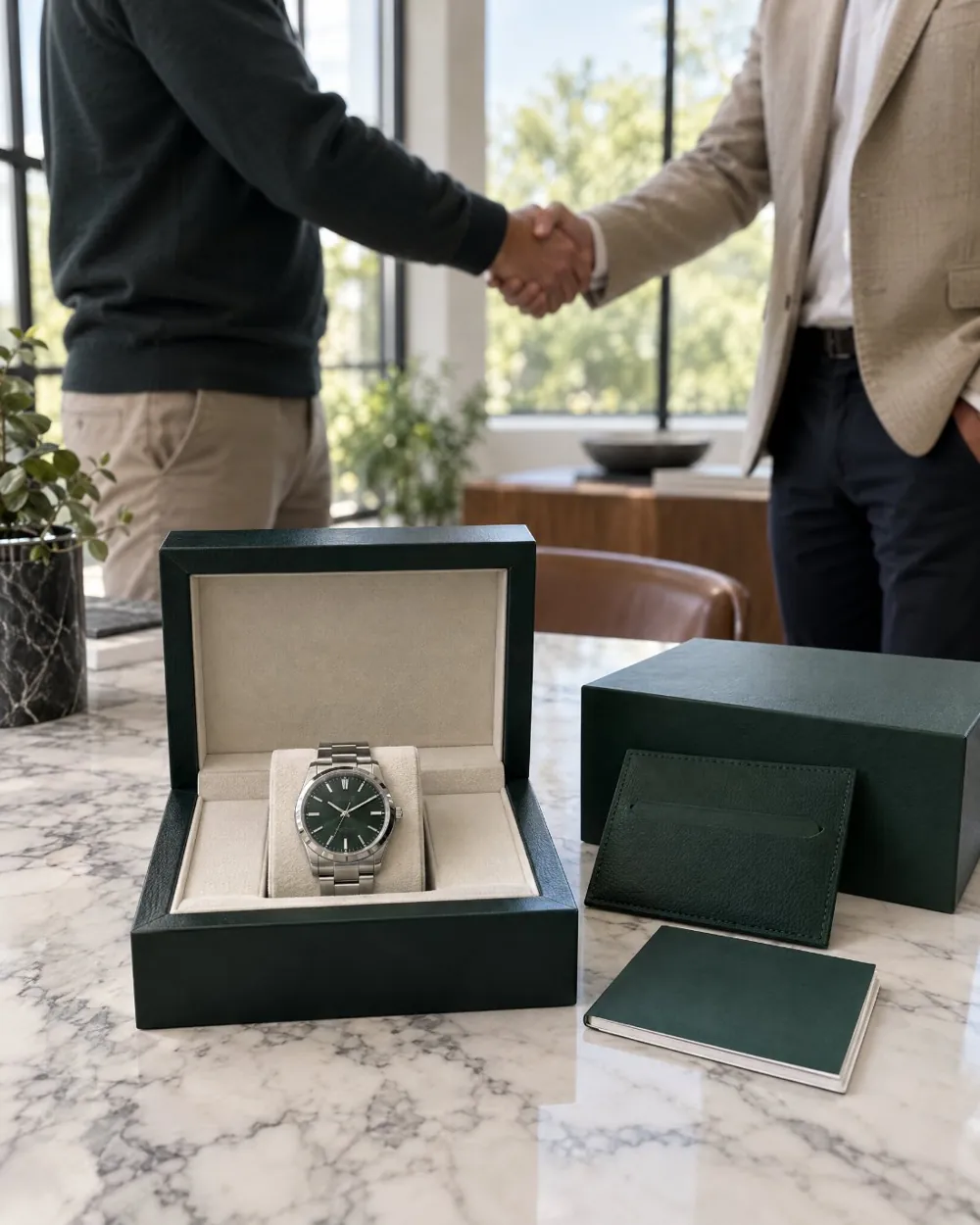

One application
Reduce the Back-and-Forth
Repeated messagesPhotos sent one by oneWaiting for store repliesScattered offer details
shouldn’t drag out your sale.
Share your watch’s photos and details once. Your application goes to approved stores whose buying preferences match your watch. Follow incoming offers from one panel and spend less time talking to stores one by one.
 Calling…
 Store 1
 Store 2
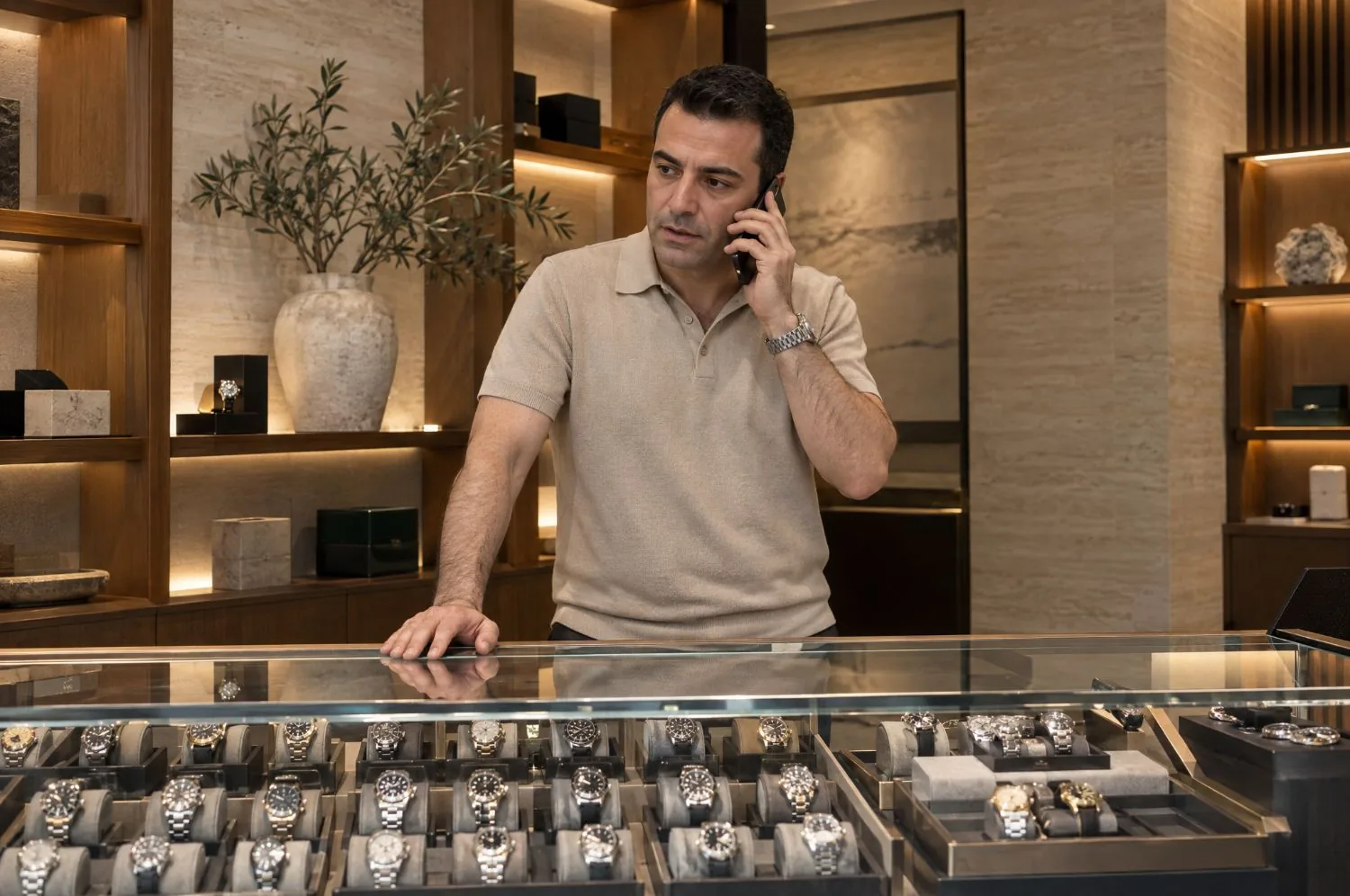 Store 3
Process steps
From Application to PaymentTrink Saat in Five Steps
Start by sharing your watch’s details. Together we complete the rest: presenting it to stores, collecting offers, the pre-check and payment.
- 01
Prepare Your Listing
Upload photos and check the watch details the smart form prepares. You don’t need to set a sale price in your application.
- 02
Reach the Right Stores
Once your listing is approved, your watch is presented to approved stores whose buying preferences match.
- 03
Follow the Offers
Once your listing opens for offers, offers are collected within two hours at most. See the best offer in your panel and follow updates through WhatsApp notifications.
- 04
Hand It In for the Pre-Check
Bring your watch to the Watchlabb inspection center. The pre-check report is shared with you and with the store that made the best offer.
- 05
Get Your Payment
When the store approves the report and sends the payment to Watchlabb, the amount is transferred to your verified bank account the same day.

WhatsApp notifications
Every Stage of Your Sale,Straight to WhatsApp
Updates such as your listing’s approval, new offers and your pre-check report being ready are sent to you on WhatsApp. Follow where your sale stands from your phone.
Offers and payment
Weigh Your OffersKnowing the Terms
See clearly when offers are collected, the amount you will be paid and when the payment is made. Plan your sale with this information.
Apply Without a Price
You don’t need to set a sale price in your application. Stores send their purchase offers based on the watch details you share.
Offers Within Two Hours
Offer collection starts when your listing opens for offers and lasts two hours at most. You can find our service hours in the FAQ.
All Offers in One Panel
Follow the offers from stores in one panel. When the offer process is complete, see the highest amount.
The Amount You Receive
The offer shown in your panel is the net amount you will be paid when the sale is complete.
Same-Day Transfer
When the store approves the pre-check report and sends the payment to Watchlabb, the amount is transferred to your bank account the same day.
Payment to a Verified Account
The payment must go to a bank account held by the person named on the identity verified in the KYC step.
Pre-check report
Inspected on Record,Condition in the Report
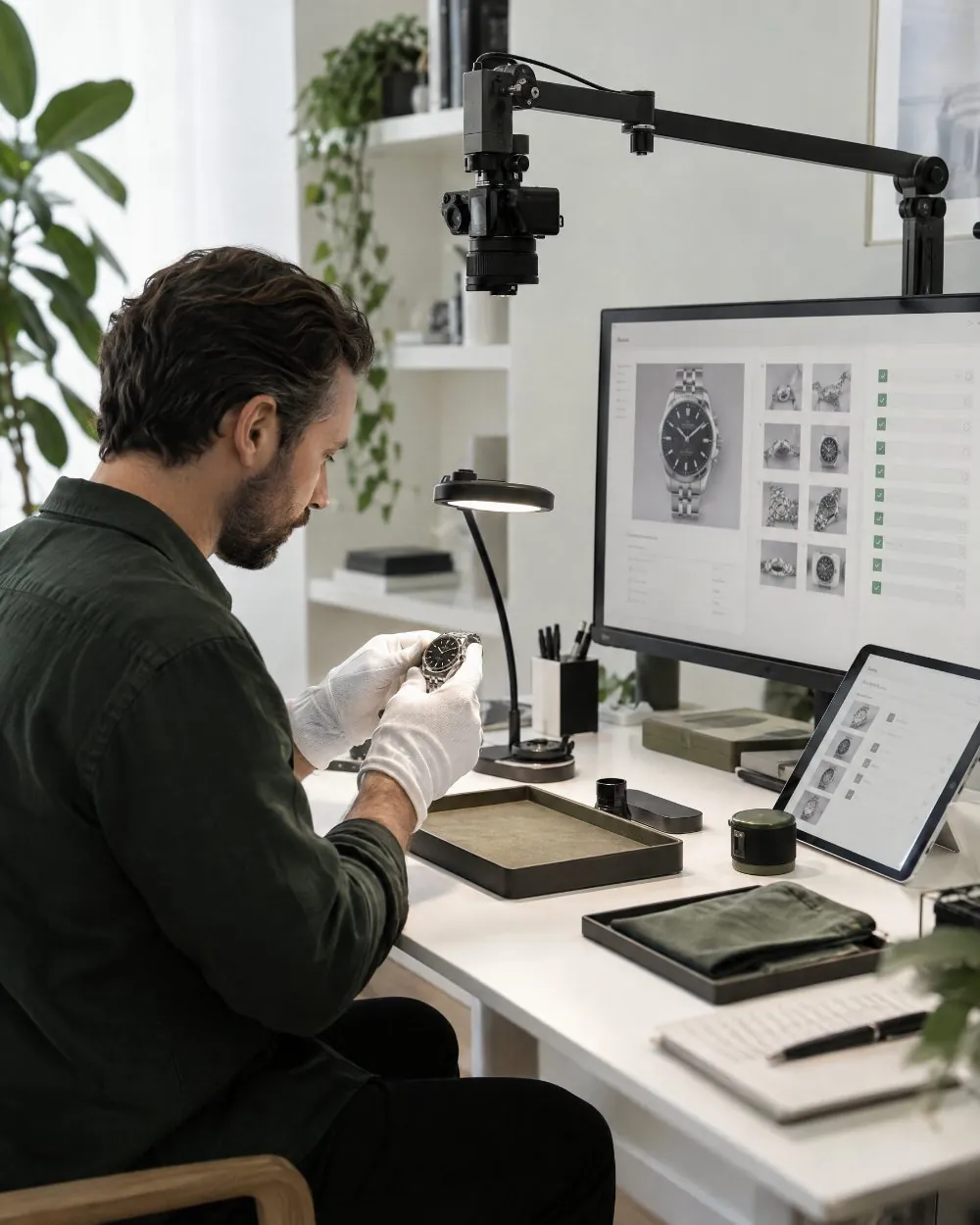
Your watch is checked on camera at the Watchlabb inspection center. Findings are documented with photos and shared with you and with the store that made the best offer, so the watch’s condition is clear to both sides before payment.
Inspection on Camera
The case, crystal, dial, hands, how the watch runs and its accessories are checked. Every step of the inspection is recorded.
Findings Documented with Photos
Details found are added to the report with close-up photos. Both you and the buying store can access the report.
The pre-check report is not an expert appraisal. Depending on the watch, an authorised service centre or an expert may be consulted when needed.
Buying opportunities for stores
Exclusive to Watchlabb storesMake Offers on WatchesThat Fit Your Buying Preferences
Set your store’s buying preferences and get notified when matching watches open for offers. Send your offer and review the watch’s pre-check report before you pay.
Set Your Buying Preferences
Before a watch is listed, we research its likely market price. We then send you the watches whose price range matches your store’s preferences.
Alerts for Matching Watches
When a watch that matches your preferences opens for offers, you are notified on WhatsApp. Review the watch’s details and send your offer.
Decide After Reading the Report
The pre-check report of the watch you made the best offer on is shared with you before payment. Judge the watch’s condition from the findings in the report.
Hand-Over and Inspection Support
Watchlabb handles the watch’s hand-over, pre-check and payment transfer, so you can focus on your offer and your buying decision.

Process tracking
From Hand-Over to Payment,Clear Responsibilities
Approved stores make the purchase offers. Watchlabb manages receiving the watch, its pre-check and the transfer of payment to your account, and keeps you informed at every stage.
Verified Stores
On Trink Saat, only stores whose application Watchlabb has reviewed and approved can make purchase offers.
Managed by Watchlabb
The watch’s hand-over, inspection and payment transfer are coordinated by Watchlabb, and you are told which stage your sale is at.
Payment with Account Verification
The payment the buying store sends to Watchlabb is transferred to your verified bank account, so the receiving account is verified before the transaction.
Frequently asked questions
About Trink Saat,What You Need to Know
Find the essentials about applying, offer hours, the pre-check and the payment process.
What is Trink Saat?
Trink Saat is a service that lets you get purchase offers for your authentic watch from approved stores. You can apply without setting a sale price. Watchlabb handles collecting the offers, the watch’s pre-check and the payment transfer.
Who can create a Trink Saat listing?
Members who have verified their phone number and identity, and active Watchlabb stores, can create Trink Saat listings.
When are offers collected, and how long does it take?
Listings approved Monday to Saturday between 10:00 and 19:00 open for offers right away. Listings approved outside these hours open for offers on the next service day. Offers are collected within two hours at most after the listing opens for offers.
What is the pre-check report?
Your watch’s case, crystal, dial, hands, how it runs and its accessories are inspected on camera. The findings are reported with photos and shared with you and with the store that made the best offer. This report is not an expert appraisal; an authorised service centre or an expert may be consulted when needed.
How and when do I get paid?
Once the buying store approves the pre-check report and sends the payment to Watchlabb, the amount is transferred the same day to a bank account that matches your identity. The amount shown in your panel is the net amount you will be paid when the sale is complete.
Other features
Start your application
Let’s Open Your Watch for Offers
Add your watch’s photos and details to complete your application. Once your listing is approved, we’ll start the offer process within our service hours.
Create a Trink Saat Listing