

Watch Radar
Know When Your Dream WatchGoes on Sale
Get free alerts for new listings that fit the model you want and your preferences. Follow listings from stores and private sellers, and talk directly to the seller of the watch you like.
Your request is on watch
We know which watch you're after
Follow the model you want without searching for it again every day. Hear about new listings that fit your preferences and weigh up the watches that catch your eye. Keep searching with one request instead of asking every store one by one.
 Sold
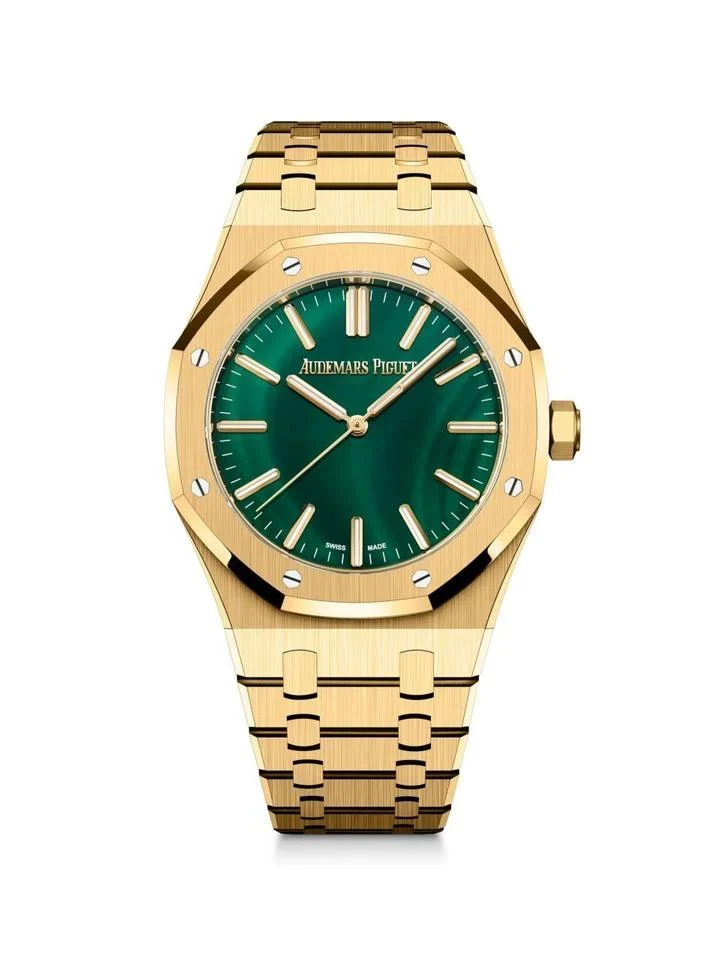
SoldAudemars Piguet Royal Oak
Yellow gold · Green dial

Watch Radar in the app
Your Requests and MatchesTogether in the App
Follow the models on your radar and the listings that fit your preferences in the Watchlabb app. Carry on your search from your phone with ease.
- 1Add the Watch You WantChoose “Add to my radar” on a sold listing, or find the model in the search box in your panel. Set your preferences for condition, box and papers.
- 2Hear About Matching ListingsYour request appears in the “Wanted watches” list of verified stores. When a store or a private seller publishes a listing that fits your preferences, you get a notification.
- 3View the Listing, Talk to the SellerOpen the notification to see the watch's photos, details and price. Contact the seller directly through the listing to discuss the details and terms of sale.
Watch seekers and stores
For Yourself or Your ClientThe Easy Way to Find a Watch
First-time buyers, collectors after a particular model and stores sourcing watches for their clients can all use Watch Radar.
New listing for the model you want
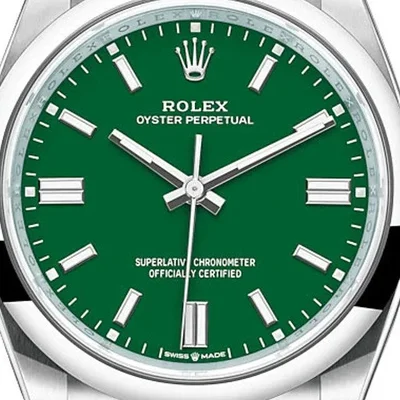
Rolex Oyster Perpetual
For Watch Lovers
Follow your first original watch or the model you have had in mind for years. Weigh up your options as new listings that fit your preferences appear.
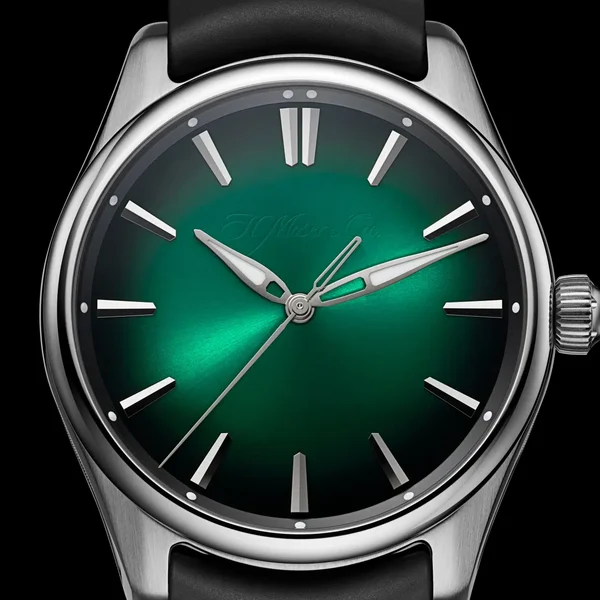
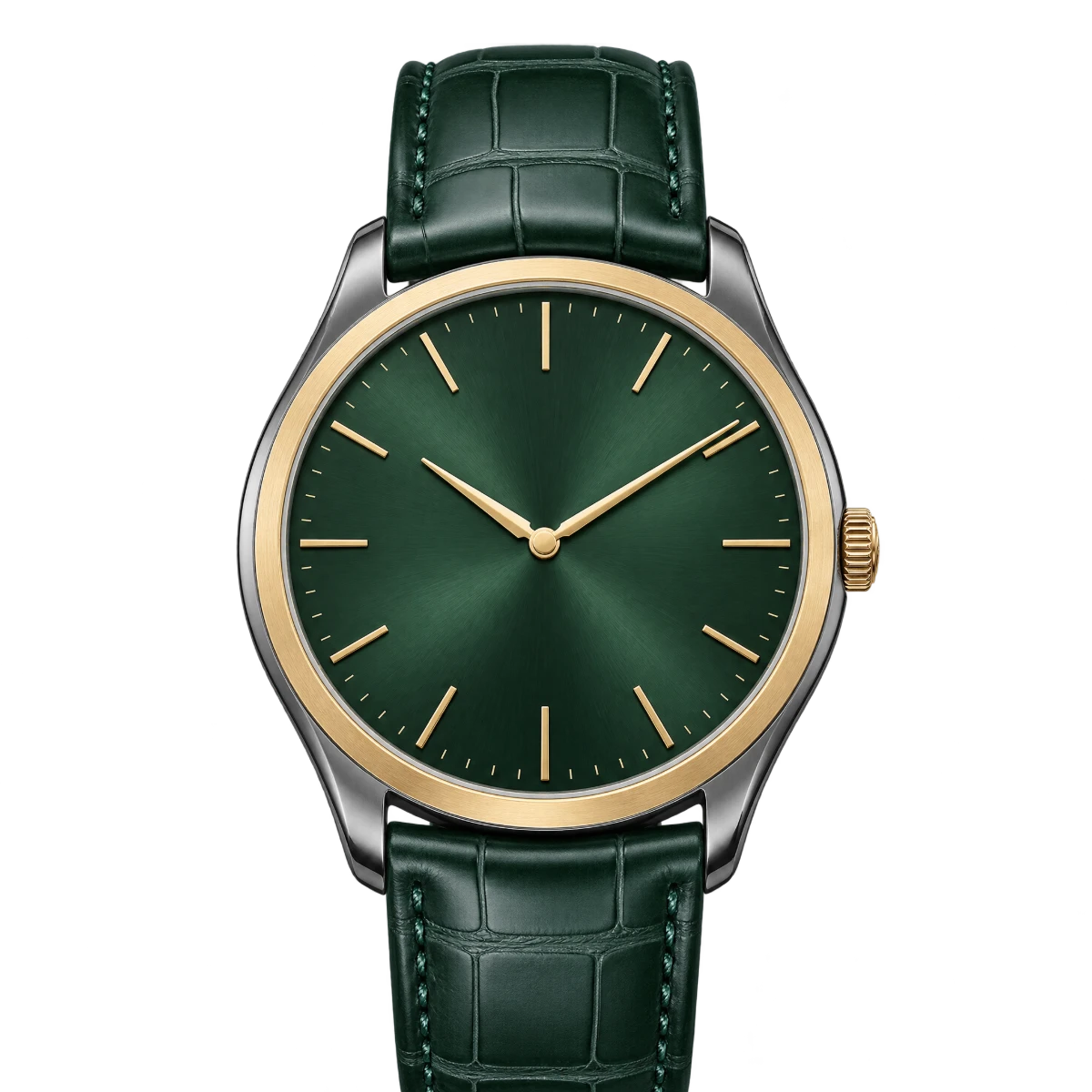
H. Moser & Cie.
With boxWith papersPre-ownedFor Collectors
Follow the models you want for your collection by your box and papers preferences. Hear when new listings with the features you expect are published.
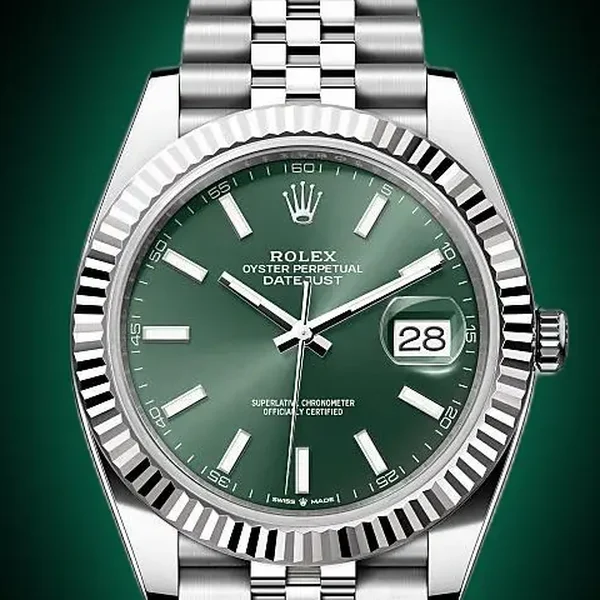
Rolex Datejust 41
126334
3 members looking for this modelFor Stores
Reach members looking for the watches in your collection. While reviewing their requests, follow new listings for the models you are sourcing for your clients.
Demand insight for stores
Exclusive to Watchlabb storesSee Which Watches Are Wanted,Make Your Buying Decisions Accordingly
Review the models our members are looking for and their preferences in your store panel. Before buying a watch or taking one in trade, see whether there is demand for that model.
Access to Current Requests
See the models members are looking for, with their condition, box and papers preferences. Compare the requests with the watches in your collection.
Demand Before You Buy
See how many members are looking for a model you are thinking of adding to your collection. Use it in your buying and trade decisions.
Your Listing Reaches the Right Members
Your listing is announced by notification to members whose wanted model and preferences match your watch. Present it to members who have already said they are looking for it.
Searching for Your Client
Follow the models you are looking for on behalf of your clients on your own radar. Hear about matching listings from stores and private sellers.
Search preferences
The Watch You Want, In Every Detail
Follow the model you want by what matters to you, such as unworn or pre-owned, box and papers. Get notified about new listings that fit these preferences.
Box and Papers Preferences
Follow watches that meet your box and papers expectations. Or leave them optional and stay open to more options.
Hear About Results
Get notified about new listings for your model that fit your preferences. See the photos, details and price on the listing.
Your Request Across Our Stores
All our verified stores can see the model you want and your preferences, so your request also reaches stores that have that watch in their collection.
Unworn or Pre-owned
Choose between unworn and pre-owned watches. With “Doesn't matter” you hear about matching listings in both.
Follow the Model You Missed
A sold listing doesn't have to end your search. Hear about new listings of the same model that fit your preferences.
Trust and privacy
As Your Request Reaches Stores,Your Identity Stays Private
When stores see the model you want, your name and contact details do not appear in the request list. When a listing interests you, you are the one who contacts the seller.
Verified Before Listing
Private sellers complete phone and identity verification before they list. Stores publish listings only after their application has been reviewed and approved.
Originals Only
Watchlabb only features listings of original watches. Watch Radar lets you follow the ones among them that fit your preferences.
Privacy in the Request List
Stores see which watch is wanted and how many members are looking for it. The identity of the members behind a request is not shown in this list.
Frequently asked questions
Your Questions AboutWatch Radar, Answered
How does Watch Radar work?
You choose the brand and model you want and set your preferences for condition, box and papers. When a new listing that fits them is published, you get a notification. You can view the listing and contact the seller directly.
Do I only get notified about store listings?
No. Listings from both stores and private sellers can match the requests on your radar. You get a notification when a new listing that fits your preferences goes live.
Which preferences can I set for the watch I want?
After choosing the brand and model, you can pick “Unworn”, “Pre-owned” or “Doesn't matter” for condition. For box and papers you can choose “Yes” or “Doesn't matter” separately. Matches are made on these choices.
What happens when a matching listing is published?
From the notification you reach the listing and see the watch's photos, details and price. If you are interested, you talk to the seller directly through the listing. You agree the terms of sale with the seller; Watchlabb does not act as an intermediary.
How do stores use Watch Radar?
All verified stores see members' requests in the “Wanted watches” list in their panel. If they have a watch that fits a request, they publish it as a listing with “I have it”. When the listing goes live, members whose preferences match are notified. Stores can also add the models they are looking for on behalf of their clients to their own radar.
Can I follow the watch from a sold listing?
Yes. Use “Add to my radar” on the sold listing's page. Once you set your preferences, you hear about new listings of the same model that fit them.
Can stores see that I am the one looking for a watch?
No. Verified stores see the wanted watch, its preferences and how many members are looking for it in the request list. The names and contact details of the members behind a request are not shared in this list.
Is Watch Radar paid?
No. Adding watches to your radar and getting notified about new listings that fit your preferences is free.
Other features
Start your search
Start Your Search From Your Radar
Add the model you want and your preferences to your radar. Hear about new listings that suit you, for free.
Add to my radar